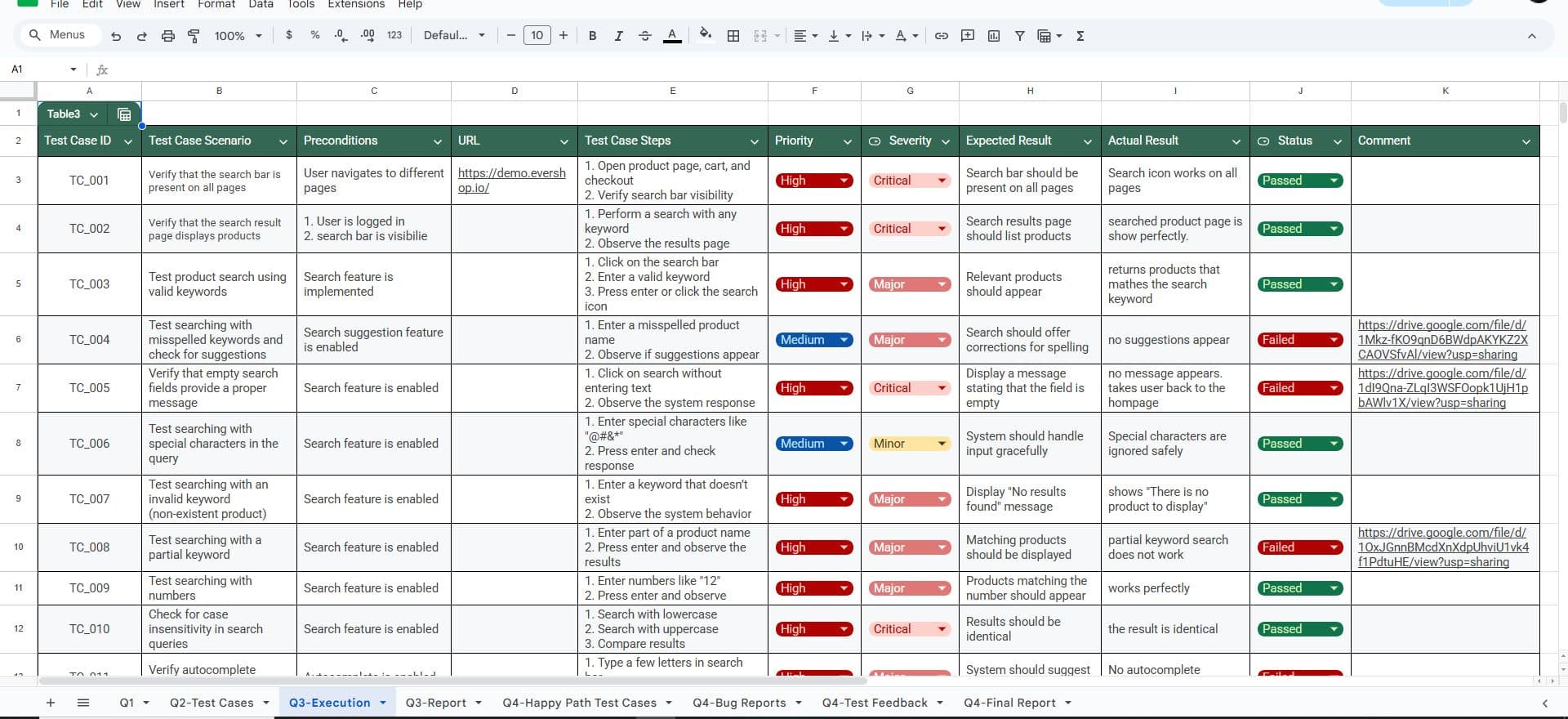
Nahid.Hasan
Loading projects
Nahid.Hasan
Loading projects
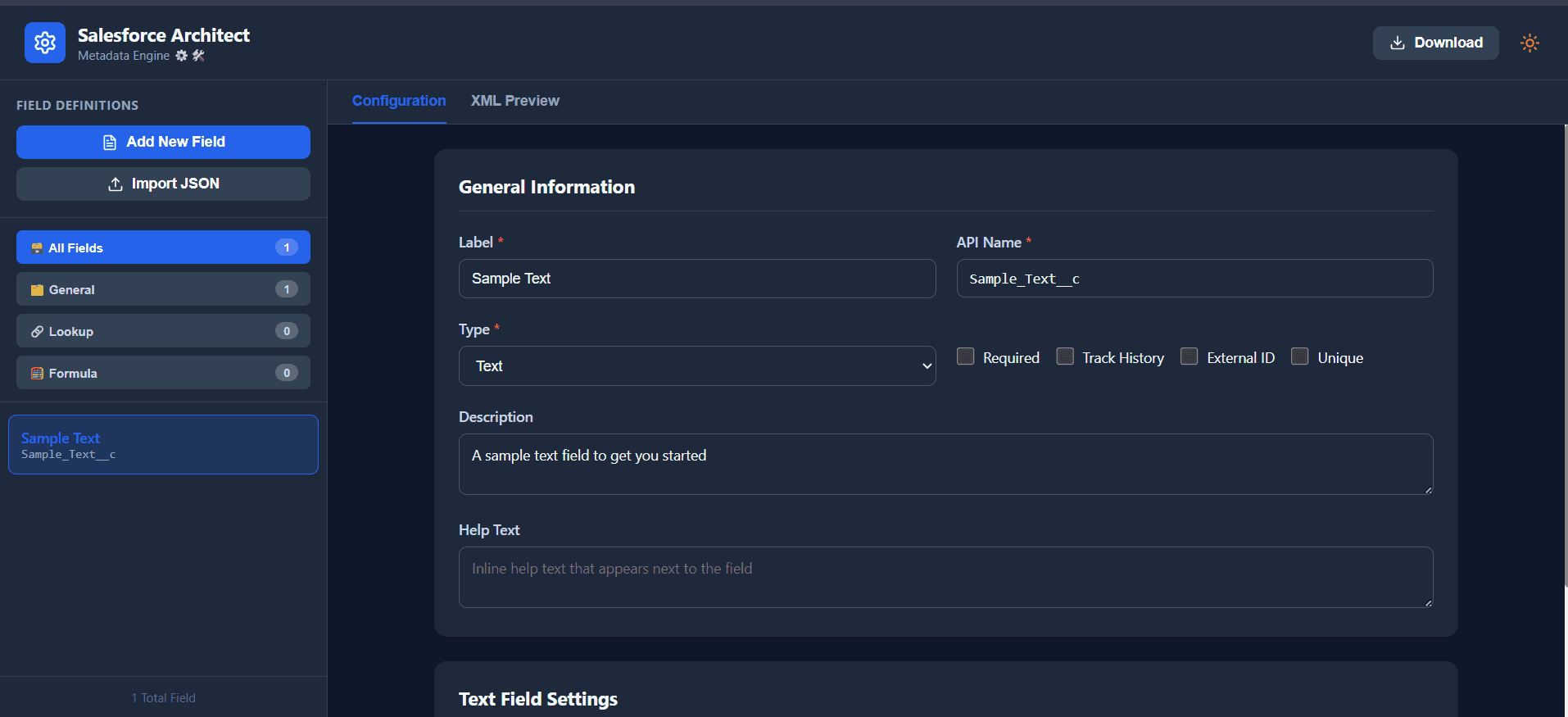
Salesforce Field Metadata Generator is a full-stack web application designed to streamline the creation and management of Salesforce custom field metadata. Built for Salesforce developers and admins, it eliminates the tedious manual process of writing metadata XML by providing a visual, AI-assisted interface that generates production-ready files in seconds. At its core, the app features an intuitive field editor supporting all 18+ Salesforce field types — including Text, Number, Formula, Lookup, Master-Detail, Picklist, Multi-Select Picklist, Currency, Checkbox, and more. Each field's properties (length, precision, required flags, external ID, unique constraints, relationship names, delete behavior) can be configured through a clean UI that simultaneously renders a live XML preview as changes are made. The standout capability is its AI-powered bulk generation engine, backed by the Google Gemini API. Users can paste plain-English field specifications or upload .txt, .md, or .docx documents, and the AI interprets them into structured JSON field definitions ready for import — dramatically accelerating schema design during project kickoffs or migrations. The export system is equally flexible: fields can be downloaded individually, by category (General, Lookup, or Formula), or as a full batch ZIP — all formatted to the Salesforce Metadata API specification and ready for deployment via Salesforce CLI or Change Sets. Additional features include JSON paste/import, duplicate API name detection, field history tracking configuration, dark mode, and search/filter capabilities across the field list. The frontend is built with React 18 + Vite, deployed on Vercel with a serverless API function handling AI requests. It's open-source under the MIT license and designed to be self-hostable with minimal setup — just a Node.js environment and a Gemini API key.
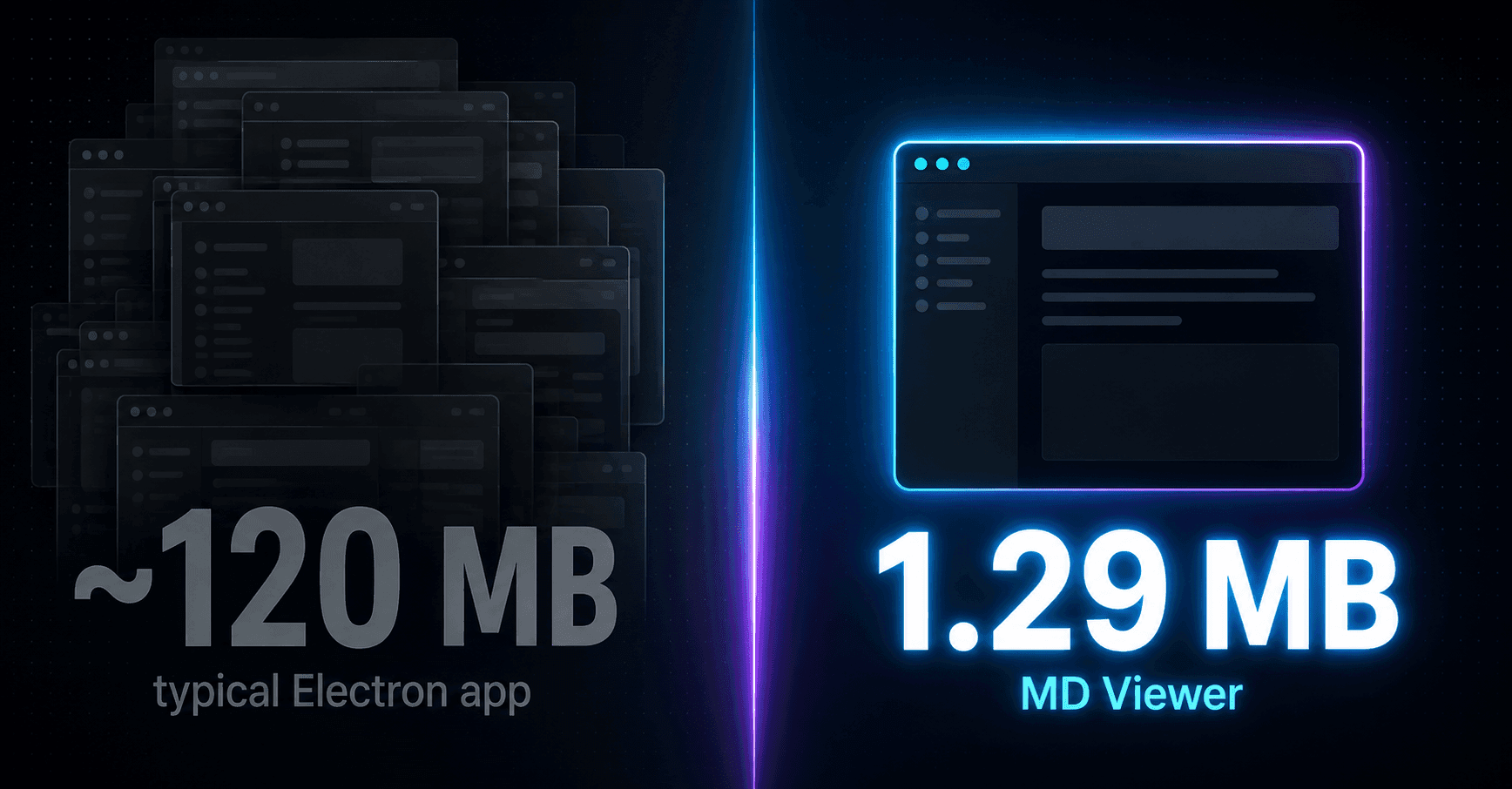
MD Viewer is a fast, tabbed Markdown viewer for Windows and Linux, built with Tauri (Rust + native WebView) instead of Electron — so the install is a few megabytes instead of several hundred. Double-click any .md or .markdown file and it opens straight into a rendered, tabbed preview — no editor, no browser extension. It ships with dark and light themes, syntax-highlighted code blocks across ~19 languages, a live document outline for jumping between headings, in-document search, and live-reload when the file changes in another editor. It's deliberately scoped as a viewer, not an editor — no Mermaid rendering, no drag-to-reorder tabs — to keep the install small and the app fast. Windows and Linux builds are versioned independently right now (v0.3.0 Windows installer, v0.2.6 Linux .deb), each shipped as its own signed release with full changelogs. The project also ships with an actual automated test suite for the Markdown rendering pipeline and a doctor.cmd diagnostic script that pre-checks a user's build environment before they report a bug.
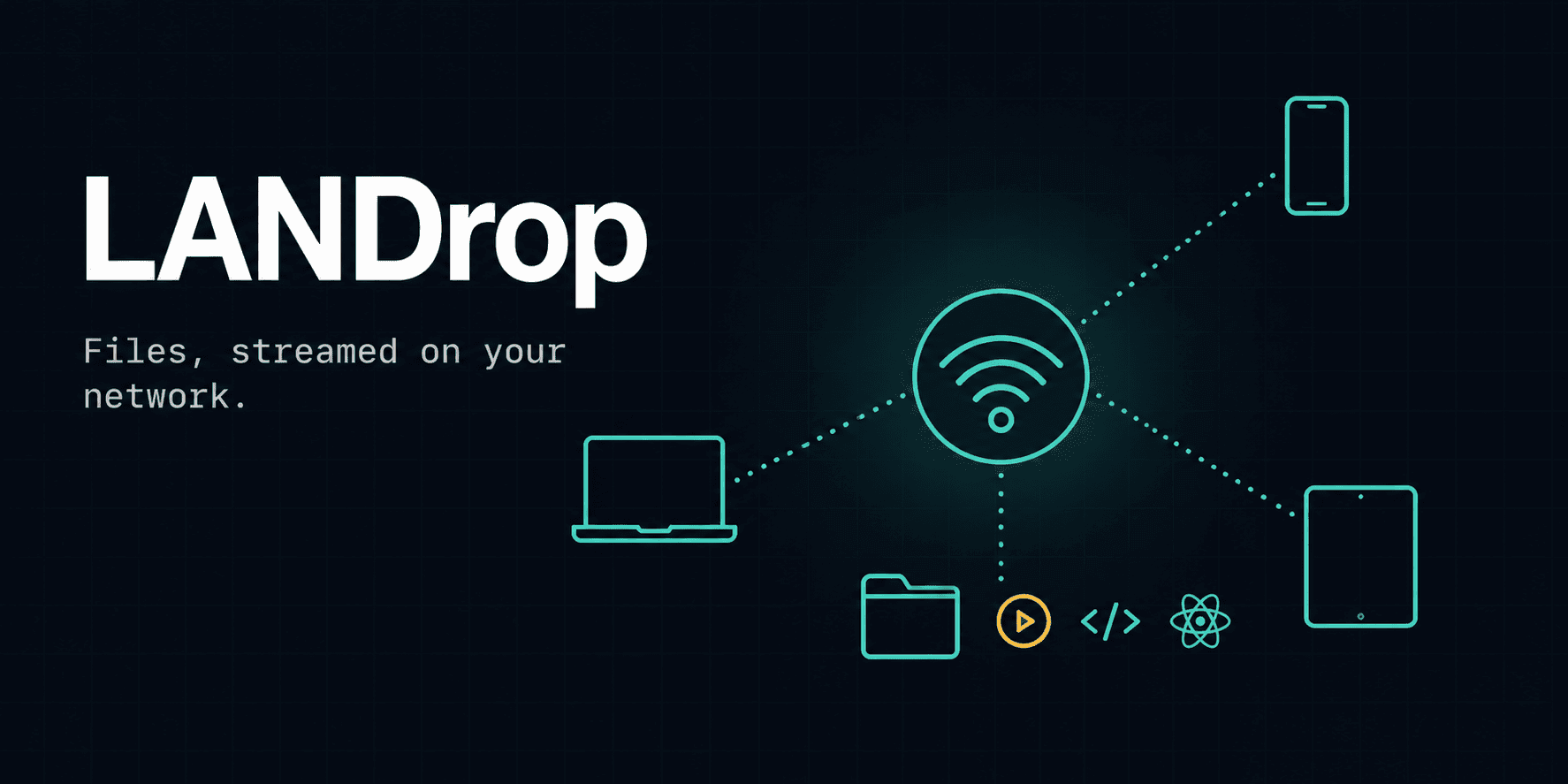
Landrop is a self-hosted local network file and media server. Run it on one machine on your Wi-Fi, and any other device on that network can browse, preview, stream, and upload files straight from a browser — no app install, no cloud account, no internet connection required. Beyond basic file browsing, it renders Markdown, code, HTML, PDF, .docx, and images inline in the browser without downloading them first, and can live-render .jsx/.tsx React component files with actual working state and interactivity — transpiled on the fly in-browser. Video and audio stream with real HTTP Range support, so playback starts instantly and seeking jumps straight to the requested position instead of re-buffering from zero. The upload system is built for reliability on flaky home Wi-Fi: files over 50MB are automatically split into 8MB chunks and uploaded one at a time, so a dropped connection only costs you the current chunk (with automatic retries) rather than the whole transfer — and an interrupted upload can be resumed later from exactly where it left off. It's explicitly built for a trusted home/LAN environment (no auth layer, not meant to be exposed to the internet).
SFRewind is a desktop app for backing up and restoring Salesforce sandbox data. Connect to an org, pick the objects and fields you want, and it exports them to CSV files. When you need to restore, point it at a backup folder and it pushes the data back into any target org. Before importing, it figures out the correct object insert order automatically, validates that every field exists in the target org, and imports in batches using the Bulk API. If a restore fails midway, a checkpoint file is saved so you can resume exactly where it stopped. Sessions that expire mid-operation are reconnected automatically. The app detects your OS dark or light mode on startup and styles itself to match.
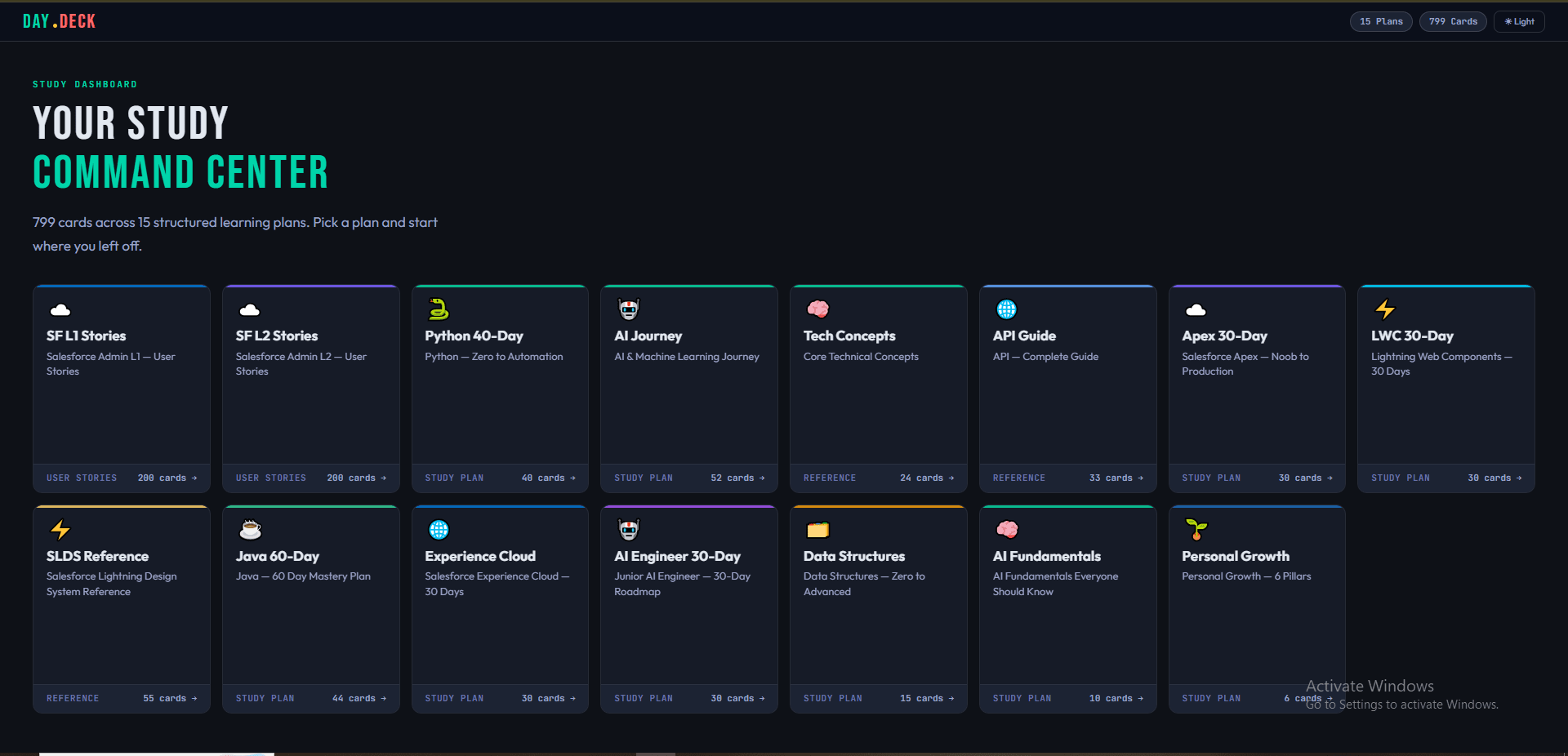
DayDeck is a personal study dashboard where you can browse and follow structured learning plans — things like a 40-day Python roadmap, a 60-day Java plan, Salesforce admin user stories, and reference guides for APIs and design systems. verything is organized into cards. Each card represents one day, one user story, or one reference topic. Cards are grouped into phases (like weeks), and you can move through them one by one using prev/next buttons, or jump around using a collapsible sidebar. There's also a search bar inside each plan so you can quickly find what you're looking for. The app supports three types of plans. Day Plans are structured day-by-day roadmaps with topics, practice tasks, key concepts, and resource links for each day. Stories plans are formatted as software user stories with acceptance criteria, useful for exam prep. Reference plans are doc-style entries with code examples, commands, and concept explanations. The whole thing is backed by MongoDB. Plans, phases, and cards all live in the database and are served through a set of REST API routes built with Next.js App Router. There's a full admin panel — protected by NextAuth with credentials login and JWT sessions — where you can create, edit, and delete plans, phases, and cards from a clean dashboard UI. To make initial setup easier, the project includes a migration script that reads 15 HTML files from a source folder and automatically parses and imports them into MongoDB, including all nested phases and cards with their full content. The UI supports dark and light mode (saved per user), has smooth Framer Motion loading animations, and is fully responsive with a slide-in mobile sidebar.
SF Meta Exporter is a desktop app that gives Salesforce admins and developers one place to extract, analyze, and manage org metadata — no scripts, no setup menus. It ships as a standalone .exe and uses CustomTkinter for a clean modern UI with auto dark/light mode. The app has six modules. The Metadata Exporter pulls field-level metadata for any object and tracks where each field is used across 13 metadata types — Page Layouts, Flows, Apex Classes, Triggers, Validation Rules, Lightning Components, and more. The Picklist Exporter exports all picklist values including active/inactive status to Excel. The Report Exporter fetches reports and rebuilds them in Excel with groupings, subtotals, and formatting intact — not just raw rows. The SOQL Runner has field autocomplete and CSV export. The ContentDocument Downloader bulk-downloads org files with 10+ parallel connections. The Salesforce Switch lets you bulk enable or disable Validation Rules, Flows, Workflows, and Triggers from a searchable list, with a rollback option before deploying.
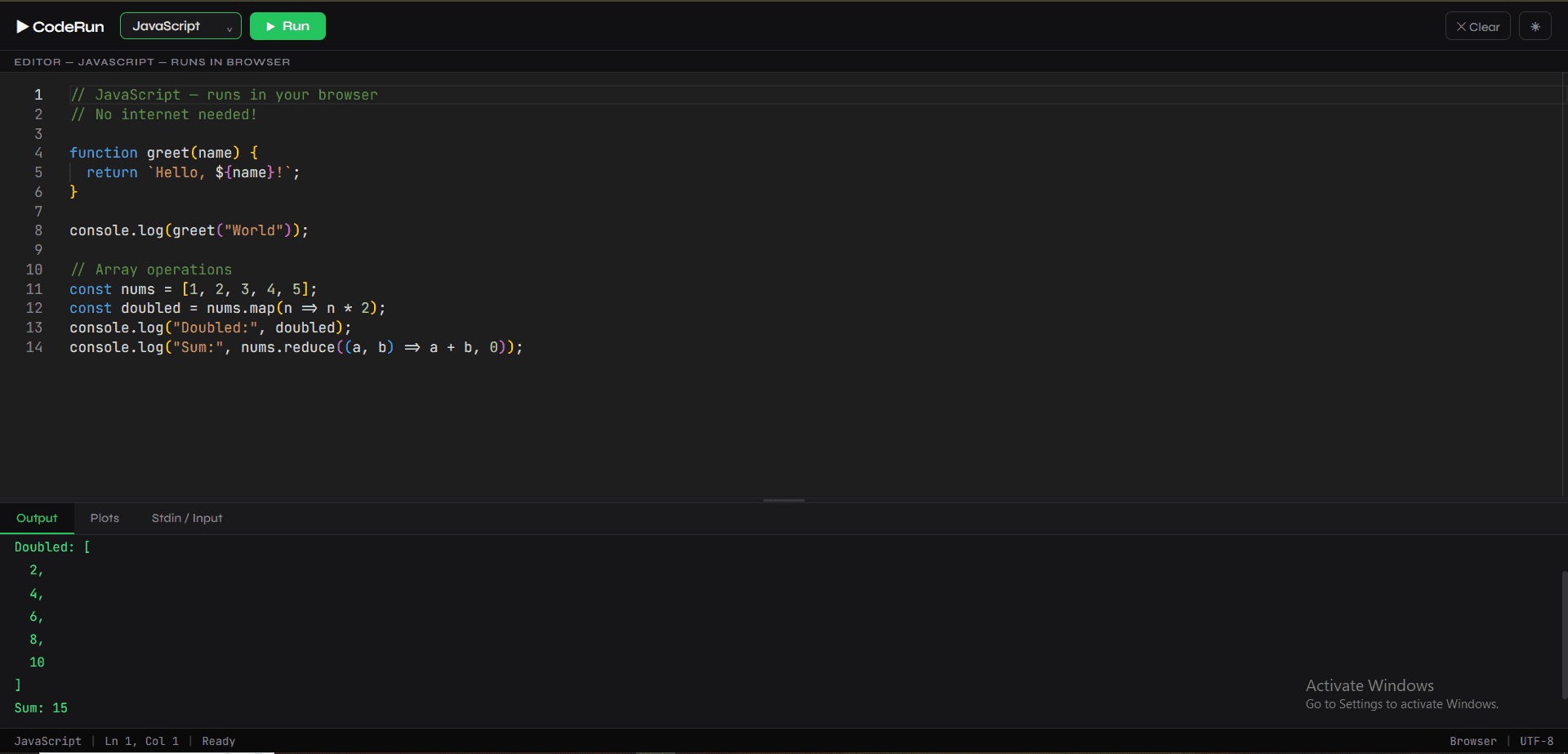
CodeDeck is a browser-based code editor where you can write and run JavaScript and Python without installing anything. Just open it in a tab and start coding — no server, no setup, no account needed. JavaScript runs directly in the browser, so it's instant. Python runs through Pyodide, which is a real Python runtime built for the browser using WebAssembly. That means you get access to the actual Python libraries you already know — NumPy, Pandas, Matplotlib, scikit-learn, and more — all working right inside the browser. The editor is Monaco, the same one used in VS Code, so it feels familiar. There's a split layout with the editor on top and a tabbed output panel below for logs, plots, and input. Matplotlib charts show up automatically in the Plots tab as images. You can also provide input for your program using the Stdin tab, so interactive programs work too. The whole UI supports dark and light mode, and panels can be resized by dragging. The project is just three files — HTML, CSS, and JS. No build tools, no npm, no framework.
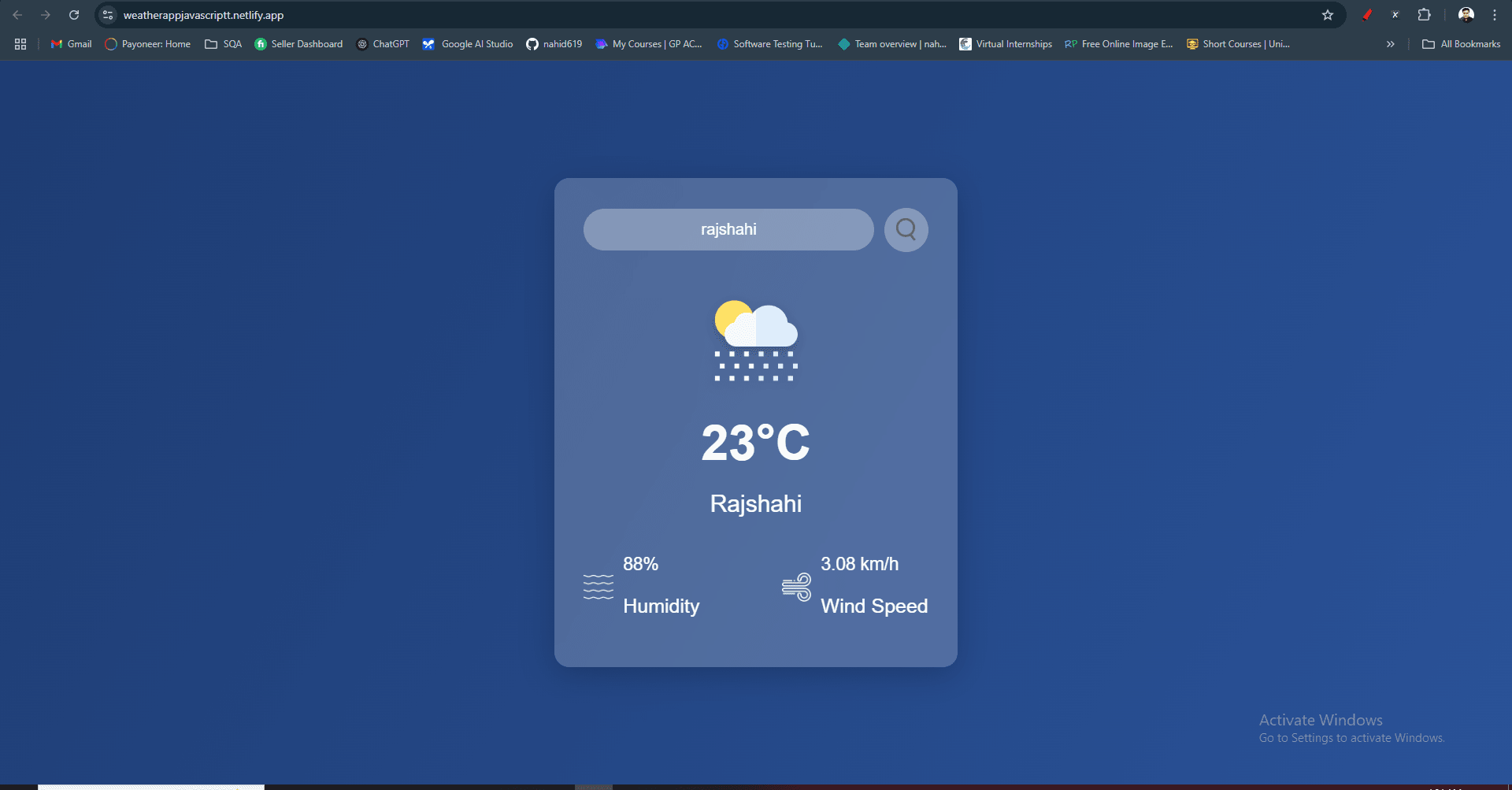

An end-to-end automation test suite for the SauceDemo e-commerce demo site, written in JavaScript using WebDriverIO and Mocha. It covers three real user scenarios — locked out login, a full purchase journey, and a sorted shopping flow — structured using the Page Object Model to keep test logic and selectors cleanly separated.
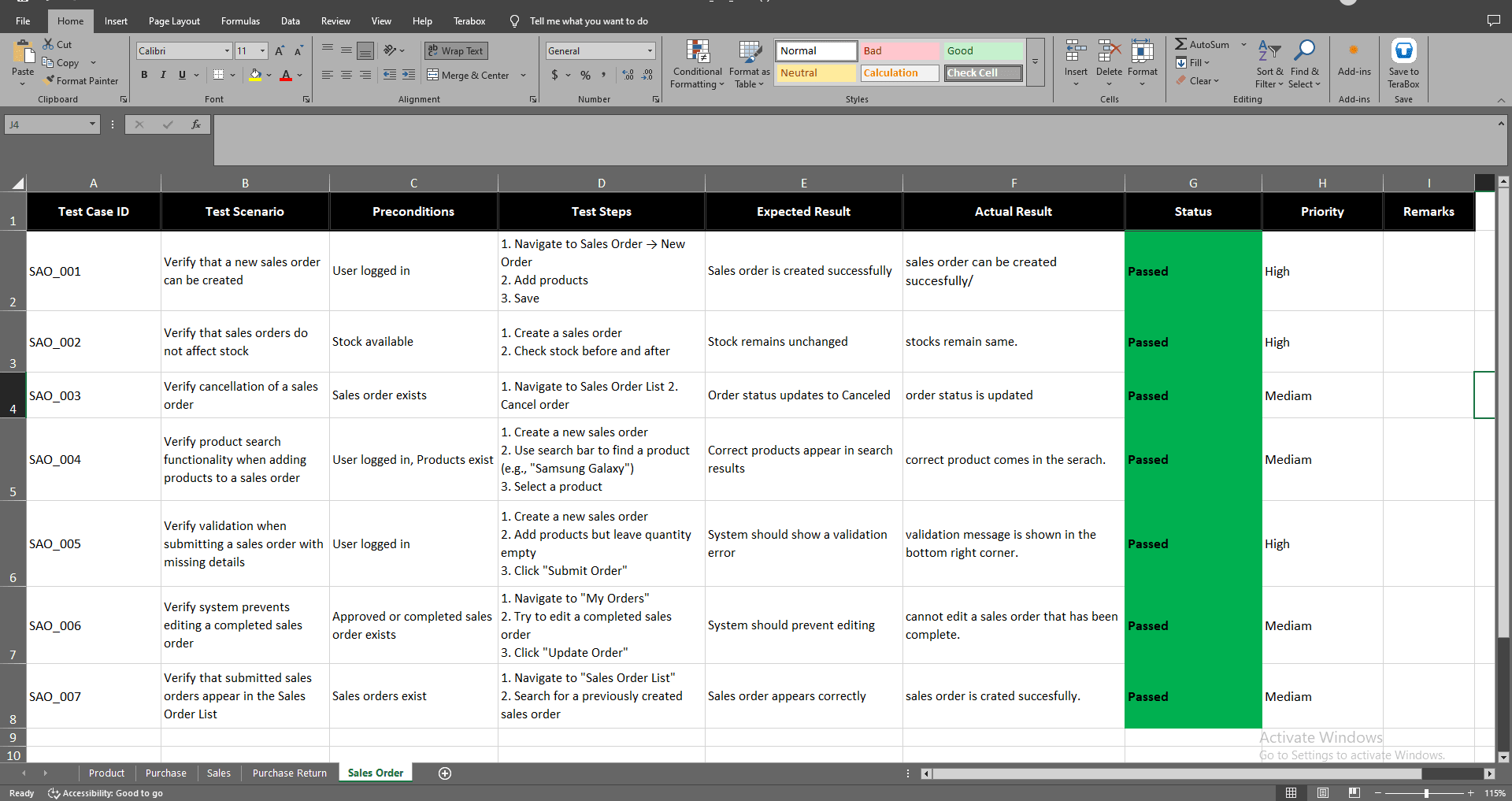
A comprehensive QA testing project for WafiCommerce covering Product Management, Sales & Sales Orders, Purchases and Purchase Returns modules. Focused on validating business-critical flows with end-to-end test coverage.